01
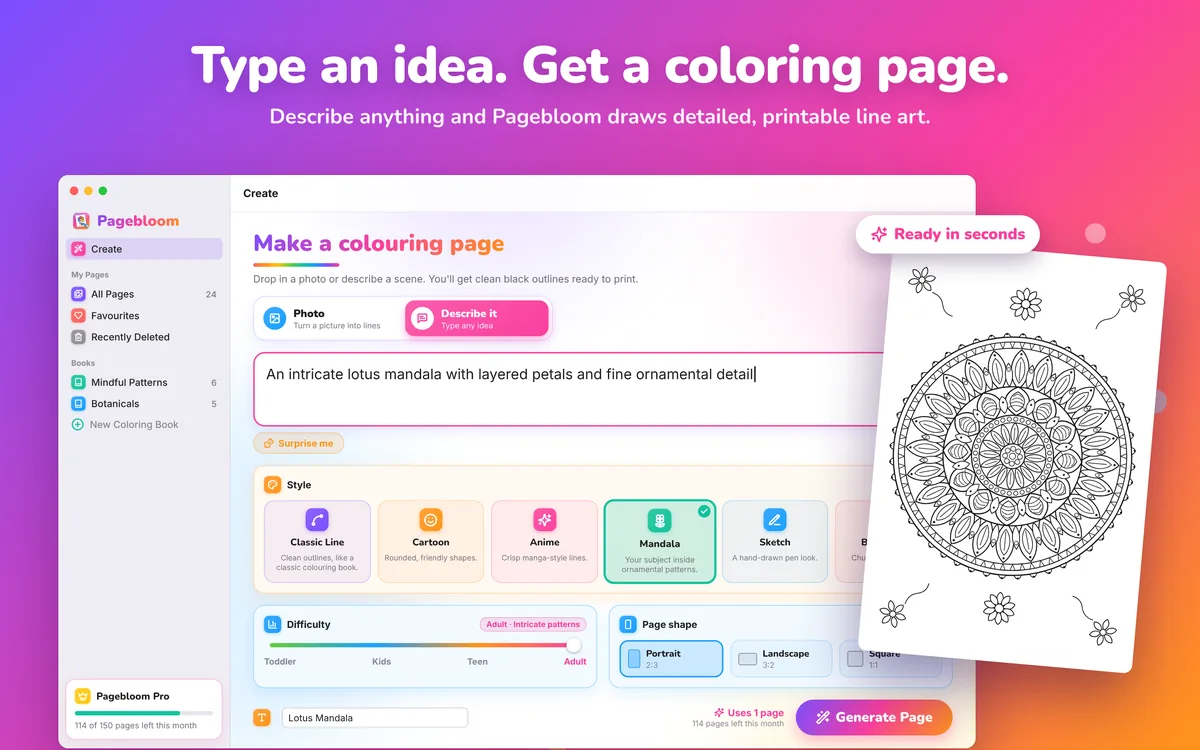
Type an idea, get a coloring page
Describe anything, choose a style and difficulty, and generate a printable page.
NewCreativity · macOS
Turn photos and ideas into coloring pages.
Snap a photo or describe what you want, and Pagebloom draws clean line art that’s ready to color, print or bind into a book. Your first 3 pages are free.
3 free pages · then Plus, Pro or a page pack
About Pagebloom
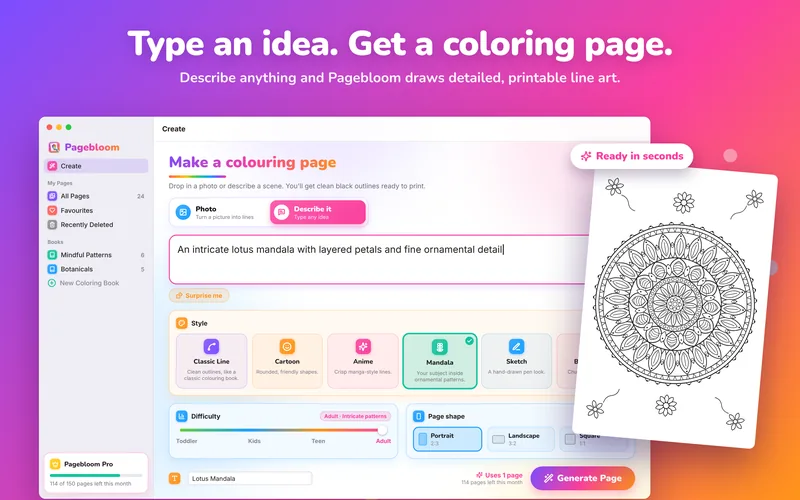
Drop in a photo, take one with your Mac’s camera, or type a description like “a dragon reading in a treehouse”, and Pagebloom draws it as clean black-and-white line art, ready to color, print or bind into a book.
Pick from six drawing styles and four difficulty levels, from a few huge shapes for toddlers to intricate mandalas for grown-ups. Color right in the app, print on A4, US Letter and more, and collect pages into coloring books for birthdays, classrooms and rainy days.
See it in action
01
Describe anything, choose a style and difficulty, and generate a printable page.
02
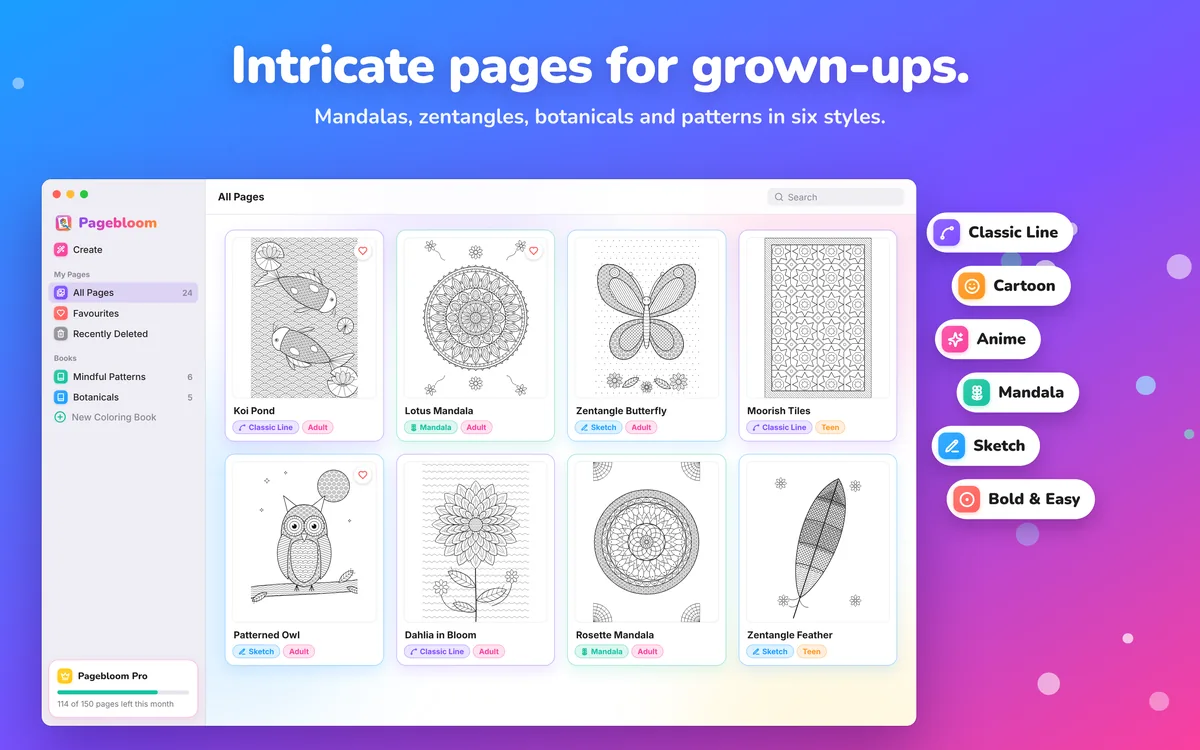
Mandalas, zentangles, botanicals and patterns in six styles.
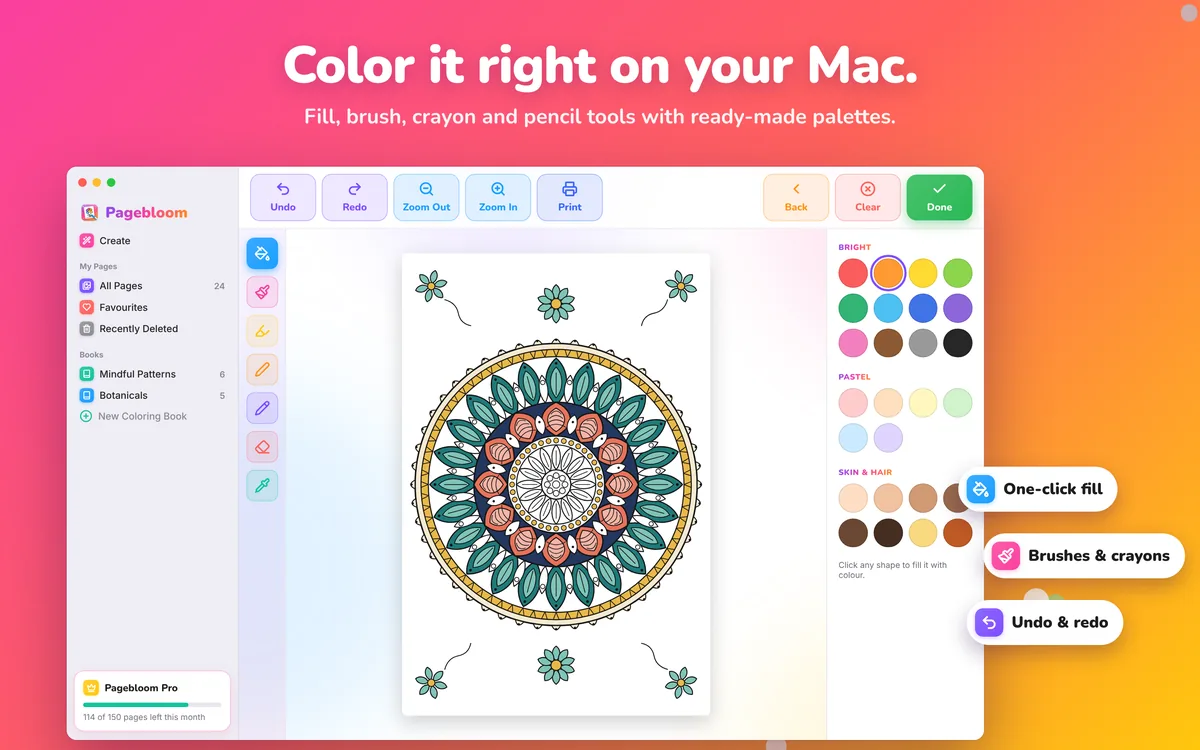
03
Fill, brush, crayon and pencil tools with ready-made palettes.
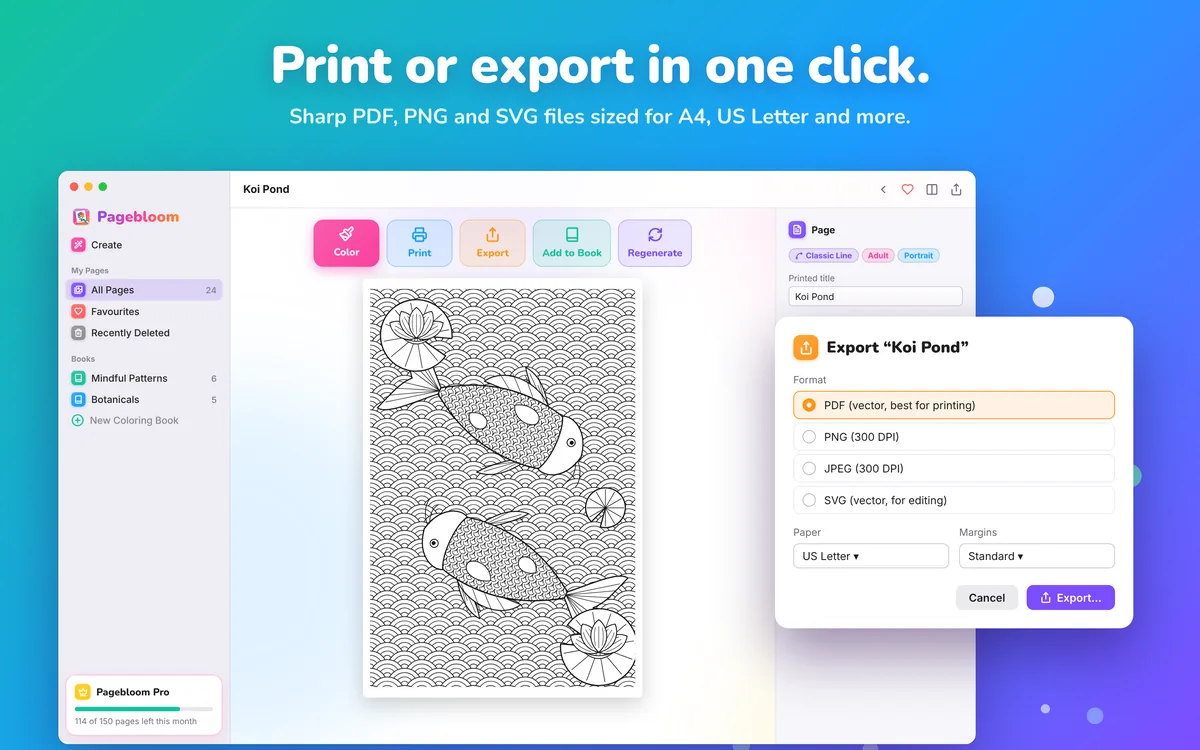
04
PDF, PNG and SVG files sized for A4, US Letter and more.
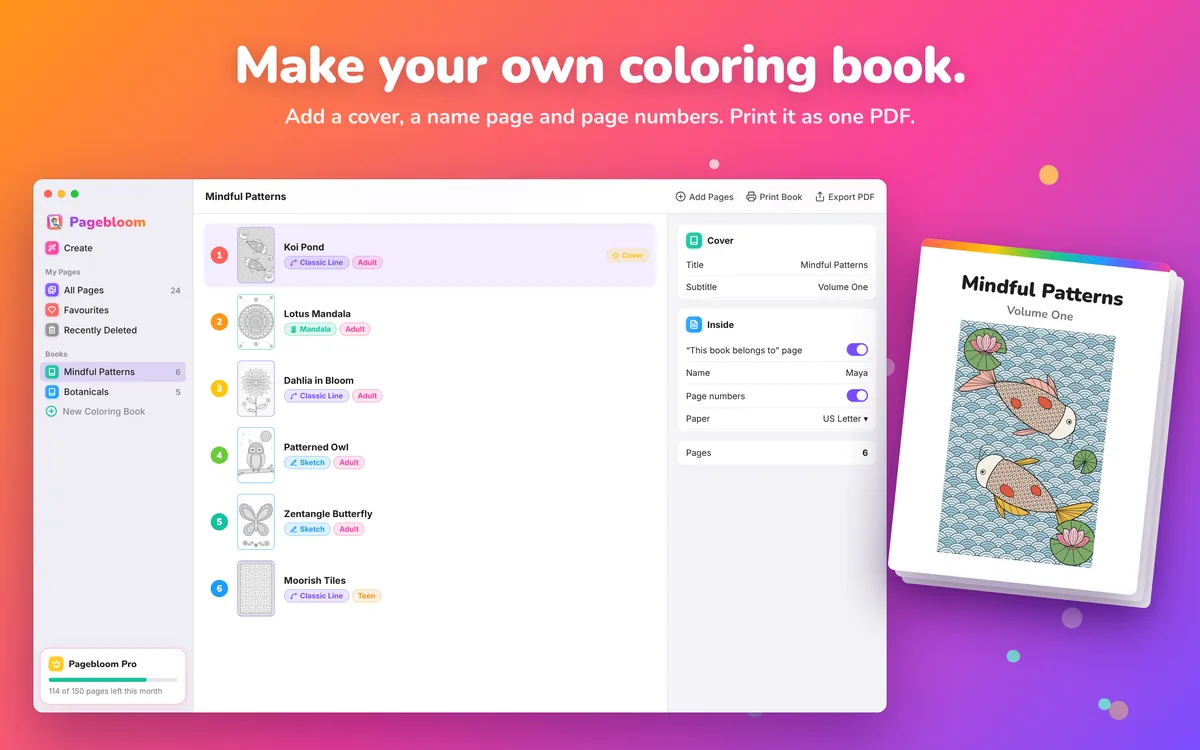
05
Add a cover, a name page and page numbers, then print it as one PDF.
Features
Drop in a photo, take one with your camera, or describe what you want.
Classic Line, Cartoon, Anime, Mandala, Sketch, and Bold & Easy.
From a few huge shapes for toddlers to intricate patterns for adults.
One-click fill, plus brush, marker, crayon and pencil tools, with undo and redo.
Print on A4, US Letter, A5, A3 and more. Export PDF, PNG or JPEG, and SVG with Pro.
Collect pages into a book with a cover and page numbers, and print or export it in one go.
FAQ
Yes. Your first 3 pages are free, with no account and no sign-up, and every page you make is yours to keep, color and print.
Unlimited pages for personal use (subject to fair use), no footer on prints and longer books. Pro adds SVG export and books of any length. Yearly plans start with a 7-day free trial.
Page packs add 25 or 100 extra pages that never expire, with no subscription.
The photo or description you choose is sent securely to our server and our AI image provider to draw the page. We don’t keep it, and your pages are saved only on your Mac. The privacy policy has the details.
Turn photos and ideas into coloring pages.
3 free pages · then Plus, Pro or a page pack
 New
 New