01
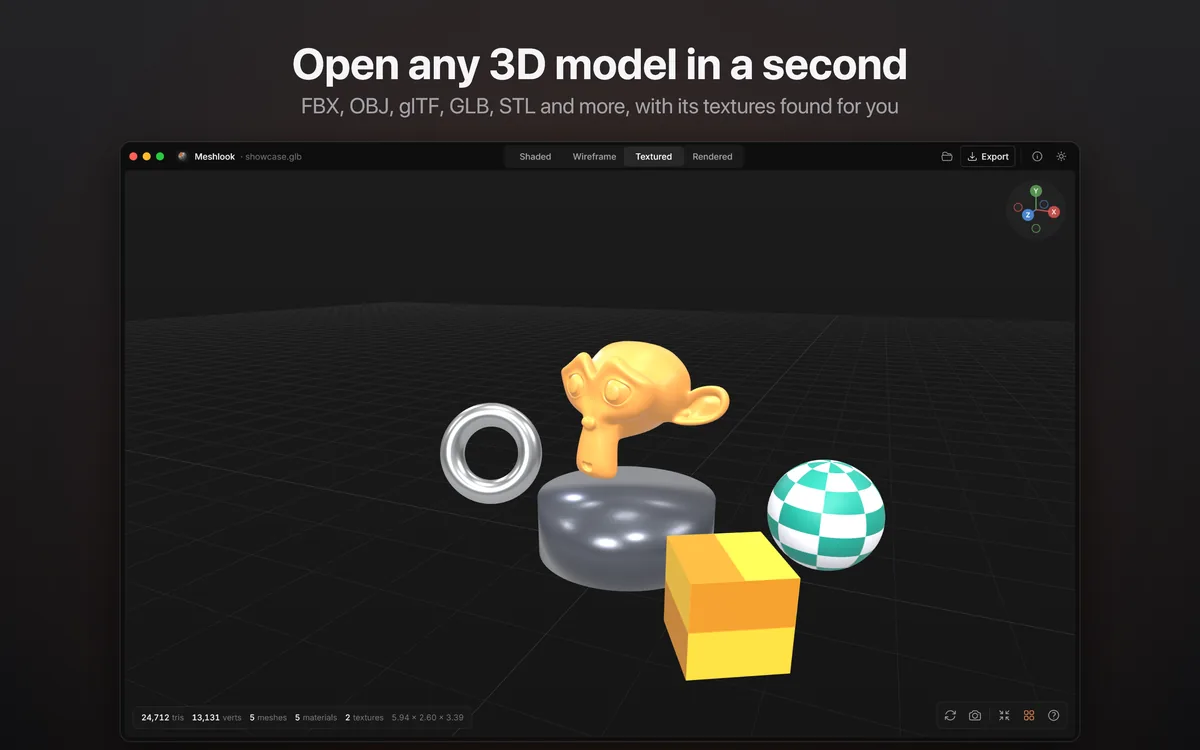
Open any 3D model in a second
FBX, OBJ, glTF, GLB, STL and more, with its textures found for you.
NewCreativity · macOS

A fast FBX and 3D model viewer for Mac.
Open any FBX, OBJ, glTF or GLB in a second and look around it, with its textures found for you. Convert between formats in one click, and preview models right in Finder.
One-time purchase · no subscription
About Meshlook
Drop an FBX, OBJ, glTF or GLB on Meshlook and look around it in a second, with its textures found for you and the polygon count on screen. The model fills the window: no panels and no clutter.
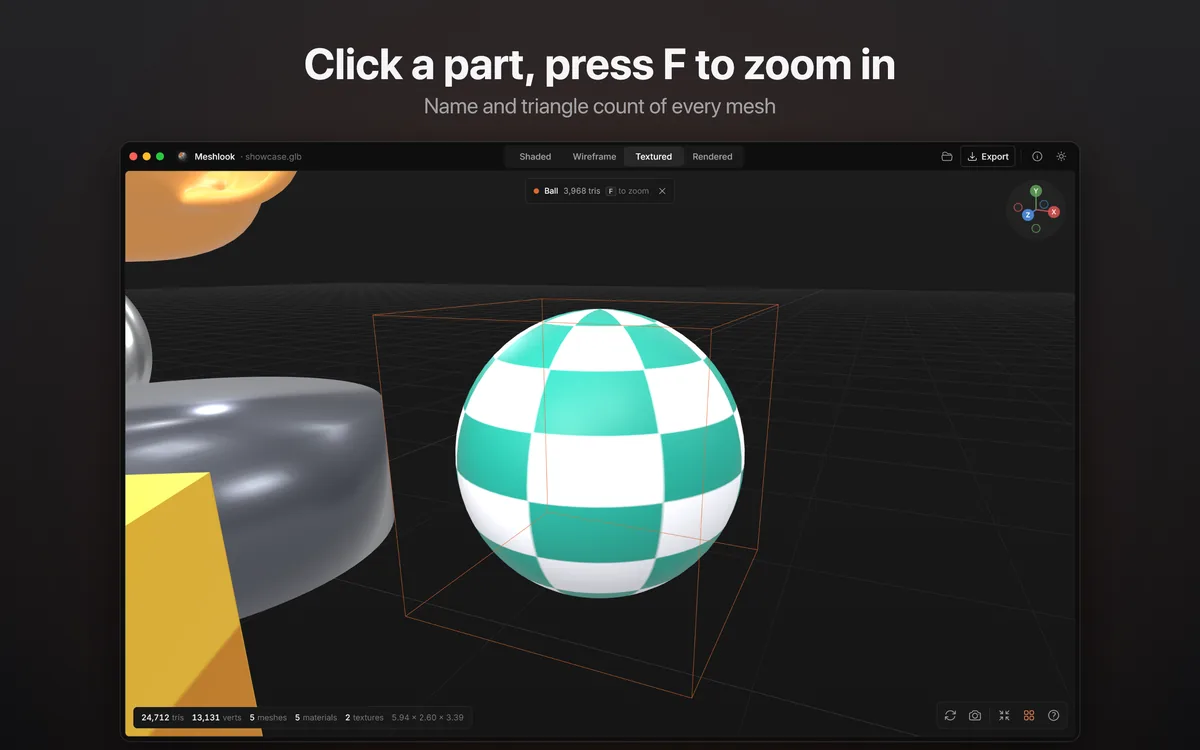
Switch between Shaded, Wireframe, Textured and Rendered views, click a part to see its triangle count, and export to another format in one click. Select a 3D file in Finder and press Space for a live 3D preview, with rendered thumbnails as file icons.
See it in action
01
FBX, OBJ, glTF, GLB, STL and more, with its textures found for you.
02
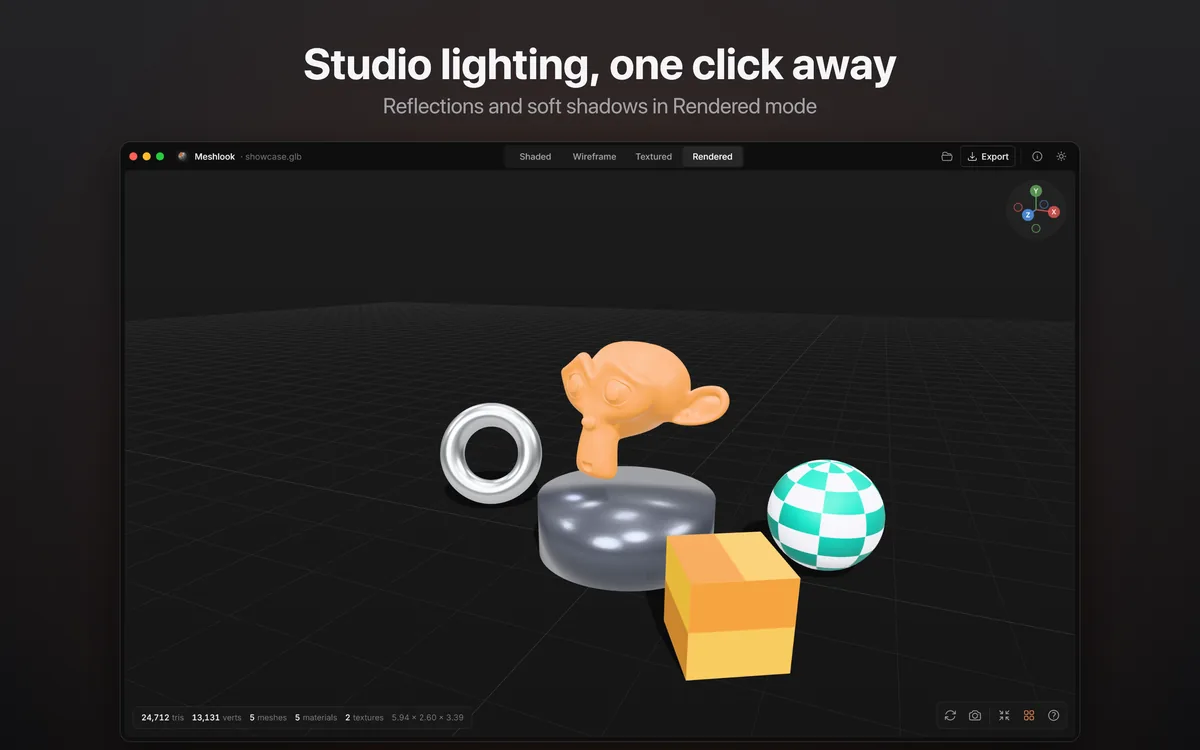
Reflections and soft shadows in Rendered mode.
03
The name and triangle count of every mesh.
04
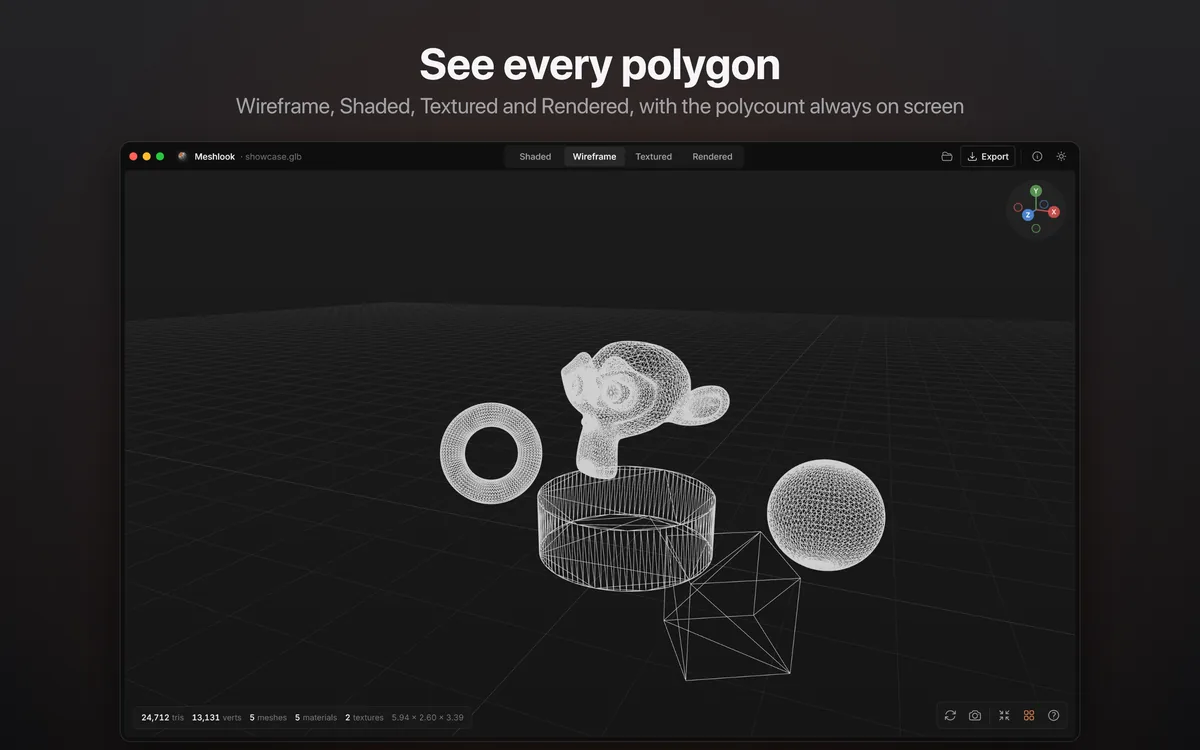
Wireframe, Shaded, Textured and Rendered, with the polycount always on screen.
05
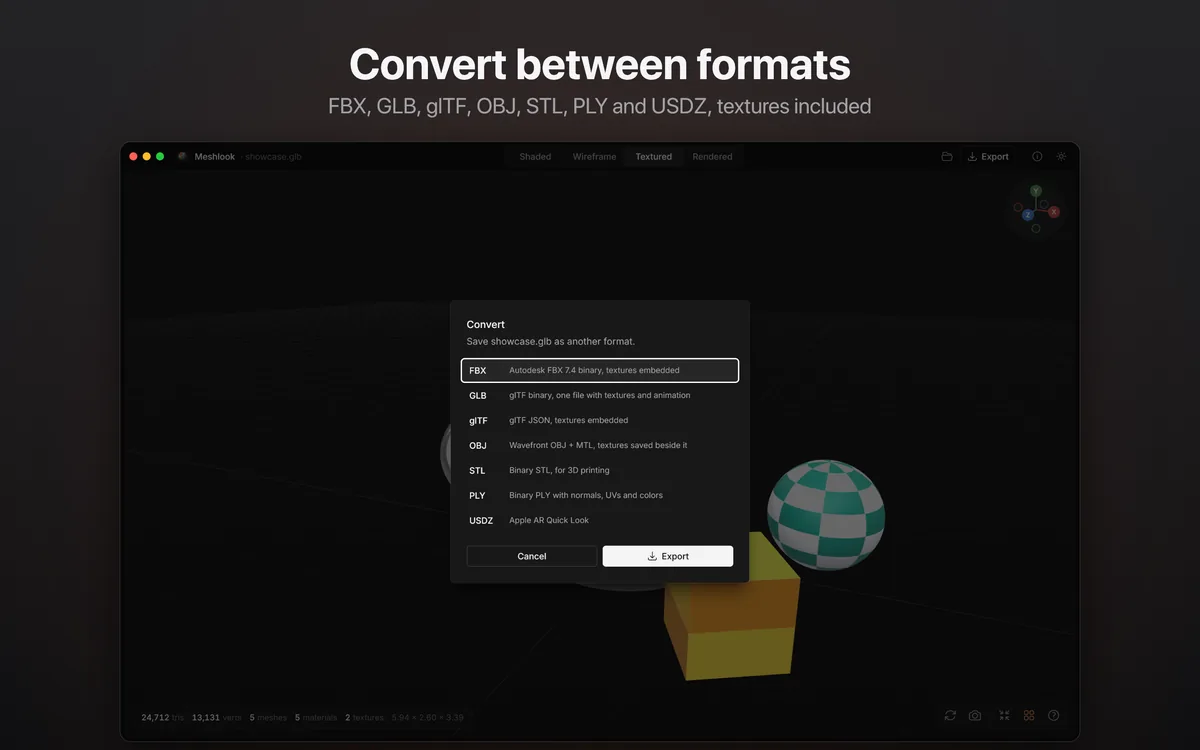
FBX, GLB, glTF, OBJ, STL, PLY and USDZ, textures included.
06
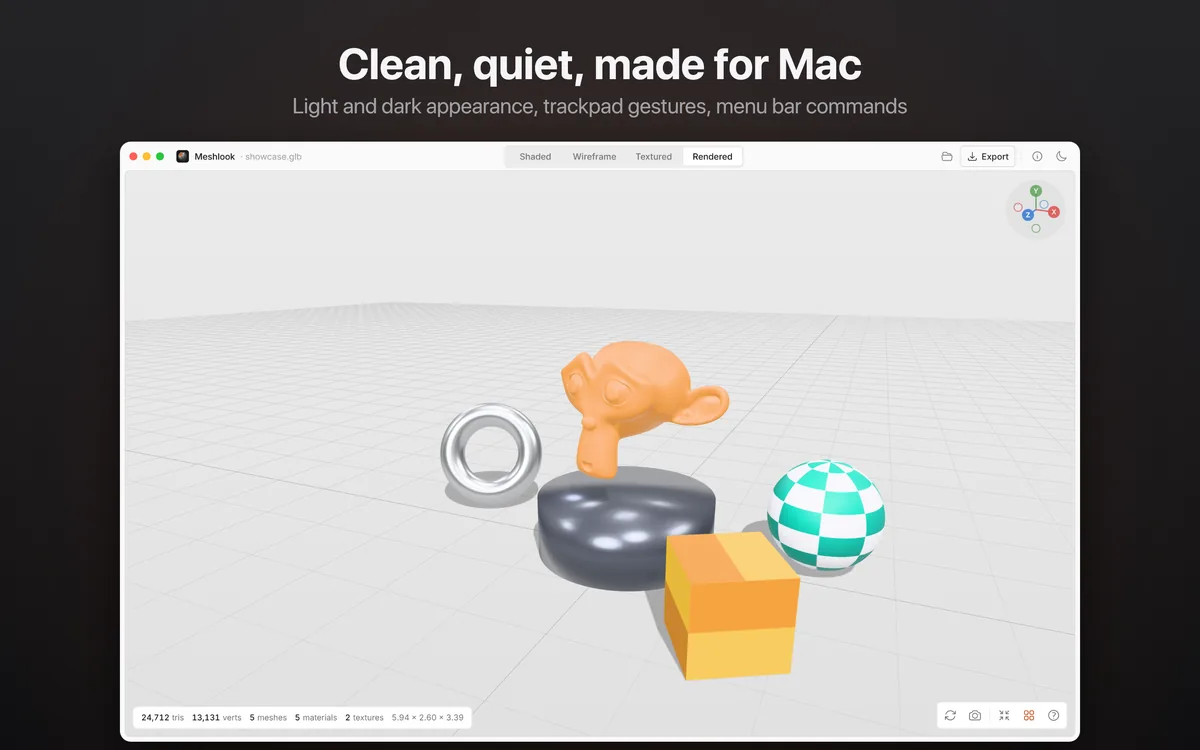
Light and dark appearance, trackpad gestures and menu bar commands.
Features
FBX (including FBX 6), OBJ with MTL, glTF and GLB (Draco and Meshopt too), DAE, STL, PLY, 3DS, 3MF, USDZ and more.
Next to the model, in its textures folder or by matching names: PNG, JPEG, TGA, TIFF, BMP and WebP.
Shaded, Wireframe, Textured and Rendered, with studio lighting, reflections and soft shadows.
Press Space on a 3D file for a live preview you can orbit and zoom. Finder shows rendered thumbnails.
Export to FBX, GLB, glTF, OBJ, STL, PLY or USDZ with textures, and take full-resolution screenshots.
Orbit, pan, zoom and fly like a game engine’s scene view, with trackpad gestures and an axis widget.
FAQ
FBX (including older FBX 6 files), OBJ with MTL, glTF and GLB (also Draco and Meshopt compressed), Collada DAE, STL, PLY, 3DS, 3MF, USDZ, AMF, VRML, LWO and more.
Yes. Export to FBX, GLB, glTF, OBJ, STL, PLY or USDZ, with textures included.
Yes. Select a 3D file and press Space for a live 3D preview you can orbit and zoom, and Finder shows rendered thumbnails as file icons.
No. Meshlook has no account, no tracking and no network access. Your files stay on your Mac.

A fast FBX and 3D model viewer for Mac.
One-time purchase · no subscription

 New
 New